Save Instagram videos you have the right to keep

Instagram is full of short clips, tutorials and moments that people want to watch again later: a recipe from a creator you follow, a clip of your own band, or the video your friend made for your birthday. Instagram has no download button for most videos, so people look for an Instagram video downloader that works online, right in the browser.
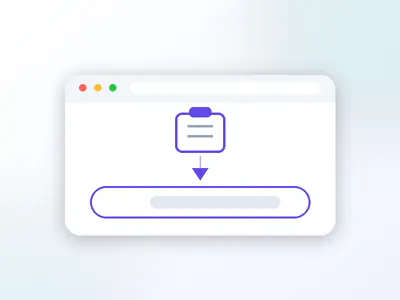
VidSavo does that job. You paste the link to a public post, the site reads it, and it lists the files you can save. There is no app to install and you never type your Instagram password into VidSavo.
Which Instagram links can you download?
Links to public feed posts (instagram.com/p/…), Reels (instagram.com/reel/…) and older IGTV videos (instagram.com/tv/…) are accepted. Profile links, Story links and posts from private accounts are not.
How do I copy an Instagram video link?
On a phone, open the post, tap the paper-plane Share icon and choose Copy link. On a computer, open the post and copy the address from the browser bar.
Does VidSavo download Instagram videos right now?
Yes. Paste a public post or Reel link, wait a moment, and pick a file from the list. If Instagram blocks the request or the post is private, you get a plain message instead of a file.
Is it legal to download Instagram videos?

That depends on whose video it is and what you do with it. Saving a video does not transfer its copyright. Keep downloads for your own viewing, ask the creator before re-posting, and always credit them. If you are a rights holder and something concerns you, our Copyright & DMCA page explains how to contact us.