A Facebook video downloader for public videos and Reels

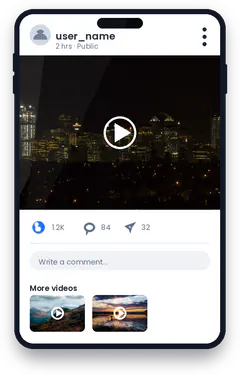
Facebook hosts long videos, Reels, Watch shows and live replays. Some can be saved inside Facebook for later viewing, but that copy stays inside the app. A Facebook video downloader lets you keep a public video you have permission to use on your own device.
VidSavo reads the video link and checks whether it points to a public video. It understands the different link styles Facebook uses, so you don’t have to clean up the address first.
Which Facebook video links work?
facebook.com/watch/?v=…, facebook.com/PAGE/videos/…, facebook.com/reel/…, share links (facebook.com/share/v/…) and fb.watch/… short links.
Can you download private Facebook videos?
No. Videos in private groups or shared only with friends are not public, so VidSavo doesn’t handle them.
Does VidSavo save Facebook videos today?
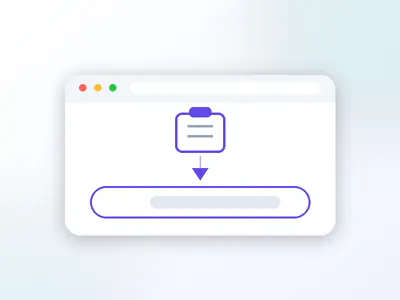
Yes. Paste a public video link and pick a file from the list. If the video is private, removed or blocked, you get a plain message instead.
How do I copy a Facebook video link?
On a phone, open the video, tap Share and choose Copy link. Facebook often gives you a short fb.watch or share link, and both are accepted. On a computer, click the video’s timestamp so it opens on its own page, then copy the address bar. Links to a Page, a profile or a group feed are not video links; VidSavo will point that out and ask for the video link instead.
Videos posted to a private group, shared with friends only, or still being broadcast live are not public, so they can’t be handled. Once a live video ends and is posted publicly, its replay link can be checked like any other video.