
VidSavo

Instagram Photo Downloader

Paste a public post link into this Instagram photo downloader to see your download options.

Works with eligible public postsPhotos from private accounts aren’t supported.

How to download in 3 easy steps

To save an Instagram photo, open the post, copy its link, paste it above and keep the picture on your device. One link covers every photo in a carousel. Each picture gets its own Download button.

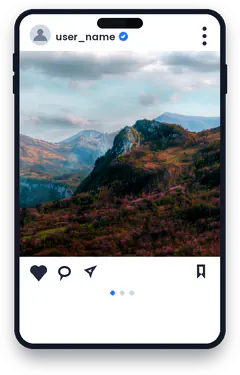
  1. Step 1: copying the link of a post

    1Copy the post link

    Open the photo post, tap Share and choose Copy link.

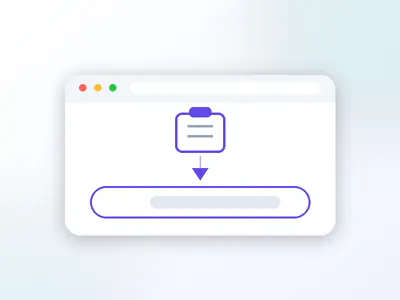
  2. Step 2: pasting the link into the VidSavo box

    2Paste it here

    Tap Paste above or long-press the box and paste.

  3. Step 3: saving the file to your device

    3Save the photo

    Tap Download under the picture and keep it on your device.

About the Instagram Photo Downloader

Use it to download Instagram pics from public posts, whether that is a single photo or a carousel of several images. Paste a public post link and VidSavo shows the full-size picture, or every picture in a carousel, ready to save.

  • Accepts instagram.com/p/ post links
  • Single photos and carousel posts
  • No login and nothing to install
  • Clear messages for profile or Story links

Keep Instagram photos you are allowed to save
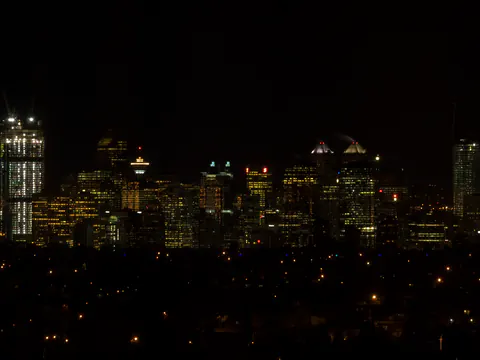
A city skyline at night
Photo: Flickr photographer

Instagram doesn’t let you save other people’s photos to your camera roll, and screenshots crop the picture and add phone clutter. A photo downloader that reads the post link is a cleaner way to keep pictures you have permission to use, such as your own uploads, event photos a friend shared, or images a brand licensed to you.

VidSavo’s Photo page accepts the link of one public post. Carousel posts with several photos are recognised from the same link.

Which Instagram photo links work?

Post links such as instagram.com/p/CODE/. A profile link (instagram.com/name/) is not a post, so VidSavo will ask you for the post link instead.

Can you download every photo in a carousel?

A carousel is one post with several photos or videos. You paste the single post link; you don’t need a link per photo.

Can I save Instagram photos with VidSavo today?

Yes. Paste a public post link and save the picture from the list. If the post is private or removed, you get a plain message instead.

Is it legal to save someone’s Instagram photo?

It depends on how you use it. Photos are protected by copyright just like videos. Use saved photos privately unless the owner agrees otherwise, and give credit when you share.

How do I copy an Instagram photo link?

Open the post you want, tap the paper-plane Share icon and choose Copy link. On a computer, click the post so it opens on its own and copy the address bar. A link that contains /p/ followed by a short code points to one post, and that includes carousels with several pictures.

Why download with VidSavo

  • No account

    No account needed

    You never sign in to VidSavo or hand over your Instagram password.

  • Any browser

    Works in your browser

    Use it in Safari, Chrome, Edge or Firefox on a phone, tablet or computer. There is nothing to install.

  • Free

    Free to use

    VidSavo does not charge for checking links, and there is no sign-up wall.

  • Public posts only

    Public content only

    Only posts that anyone can already see on Instagram are accepted. Private content stays private.

  • Link checks

    Clear link checks

    Paste a link and VidSavo explains what kind of link it is and whether it is supported.

  • Creators first

    Respect for creators

    Save only what you own or have permission to use, and credit the creator when you share.

How to download on any device

  • iPhone and iPad

    Copy the post link in the Instagram app and paste it into VidSavo in Safari. You can keep pictures in Photos via the Share menu.

  • Android

    Copy the post link and paste it into VidSavo in Chrome. Pictures land in Downloads and your gallery.

  • PC and Mac

    Copy the post address from instagram.com and paste it here. Pictures go to your Downloads folder.

What works and what doesn’t

  • Only public photo posts and carousels can be processed.
  • Photos from private accounts, Stories and profile pictures are not supported.
  • Only save photos you own or have permission to use.

Frequently asked questions

Can I paste a profile link?

No. Open the post itself, tap Share → Copy link, and paste that post link.

Do carousels work?

Yes. One carousel link covers the whole post.

Can I save photos from private accounts?

No. Photos from private accounts aren’t supported.

Is saving available right now?

Yes. Paste a public link and pick a file from the list. If the post is private or the site refuses the request, VidSavo shows a plain message and never a fake file.

Do I need the Instagram app?

No. You can copy links from the app or from instagram.com in any browser.

Is it free?

Yes, and there is no account to create.

Still have a question about Instagram links? Contact VidSavo.